

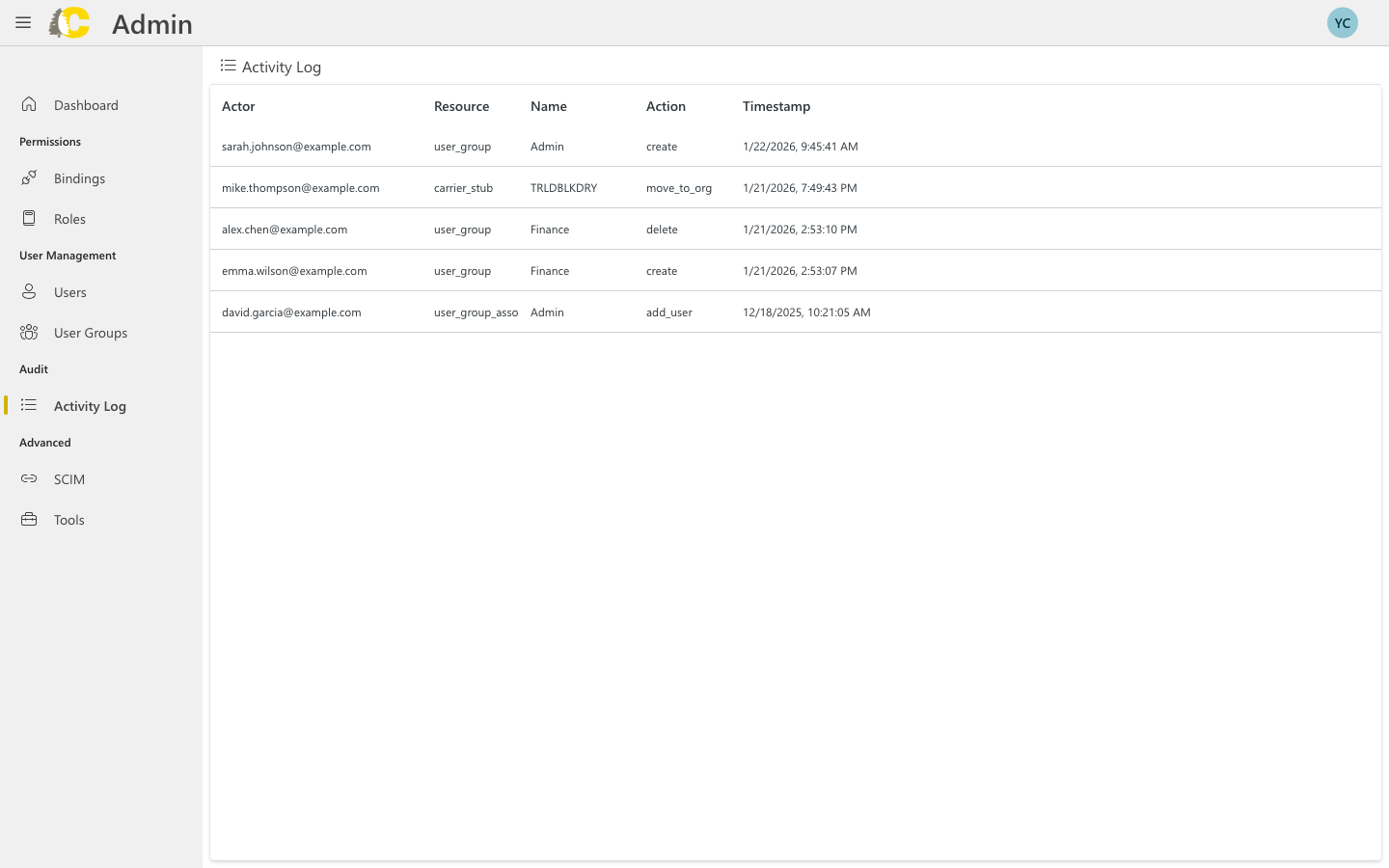
The Activity Log shows a history of all changes to access and identity settings. Use it for audits, troubleshooting, and compliance.
What you can see
Every entry in the log includes:Actor
Who made the change (email address)
Resource
What was changed (user, group, role, binding)
Action
What happened (create, update, delete)
Timestamp
When it happened
When to use the Activity Log
- Audits
- Troubleshooting
- Verification
Review who has made changes over a period of time. Useful for compliance reviews and security audits.Example questions:
- Who created this binding?
- When was this group modified?
- What changes were made last week?
Understanding actions
| Action | Meaning |
|---|---|
create | A new resource was created |
update | An existing resource was modified |
delete | A resource was removed |
add_user | A user was added to a group |
remove_user | A user was removed from a group |
Best practices
Check regularly
Check regularly
Review the activity log periodically, not just when there’s a problem. This helps you catch unexpected changes early.
Note the timestamps
Note the timestamps
When troubleshooting, note when the issue started and look for changes around that time.
Follow up on unexpected changes
Follow up on unexpected changes
If you see a change you don’t recognize, follow up with the actor to understand why it was made.