

This guide helps new admins get into the portal quickly and confidently.
Quick start
Sign in
Go to https://admin.cedarai.com and sign in with your Cedar account.
Choose your carrier
Your work happens within a carrier (the rail operator or business you manage).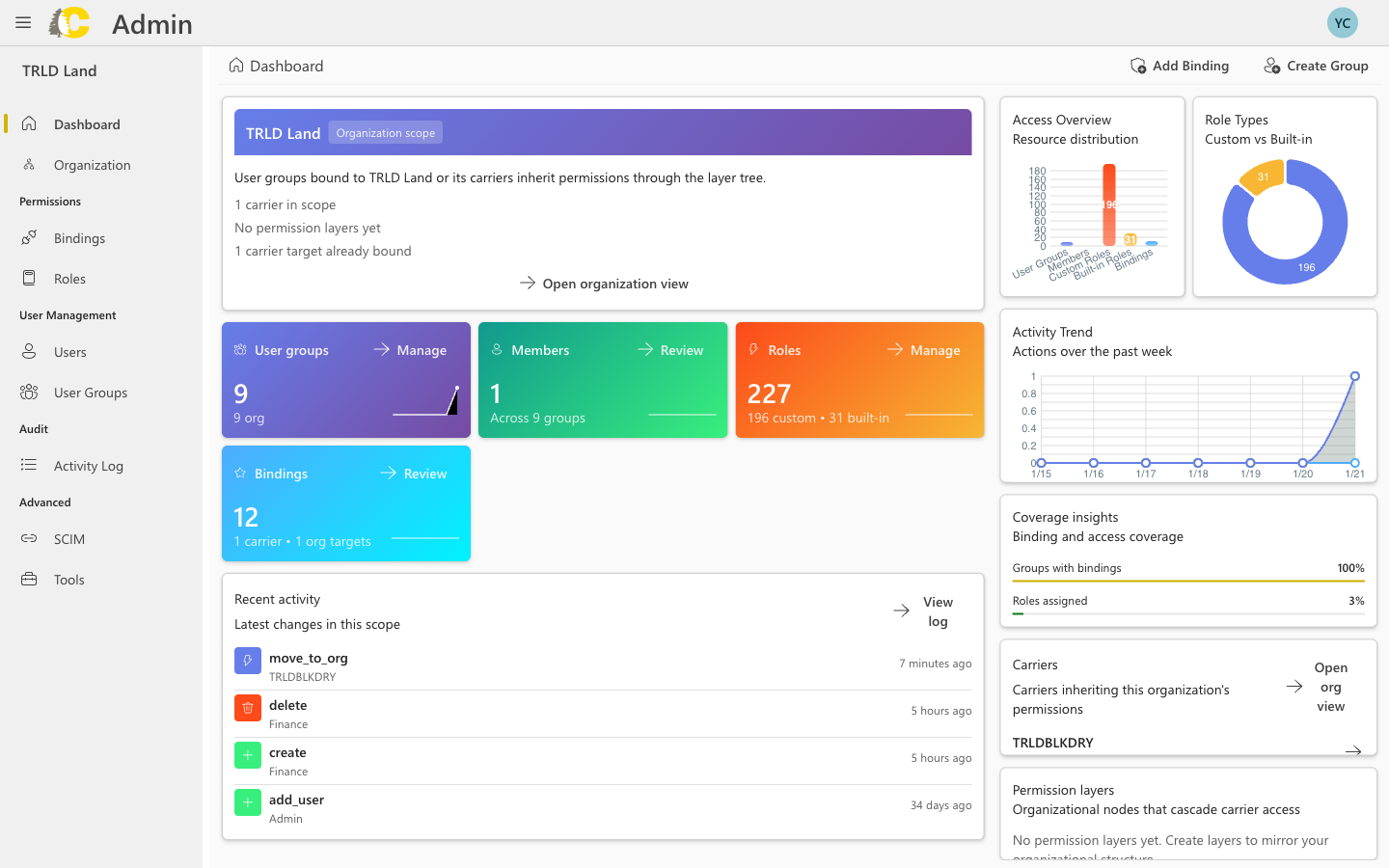
- Look at the top of the left sidebar
- Confirm you see your carrier name (e.g., TRLDBLKDRY)
- If you don’t see the right carrier, contact your Cedar admin or Support
Best practices
Changes apply immediately
Changes apply immediately
Double-check before you save any changes. There’s no “draft” mode—your changes take effect right away.
Start with groups and roles
Start with groups and roles
If you’re unsure where to begin, start with User Groups and Roles before creating Bindings. This makes it easier to manage access at scale.
Use groups, not individual assignments
Use groups, not individual assignments
Always assign access through groups instead of directly to individual users. This makes it much easier to manage access when team members change.