

The Admin Portal is where you control who can access Cedar and what they can do. It’s designed for admins and operators who manage users, teams, and permissions.
What you can do
Manage Users
Invite new users and manage existing accounts
Organize Teams
Group users by team or responsibility
Define Roles
Create sets of abilities (permissions)
Grant Access
Connect groups to roles using bindings
Manage Organization
Structure carriers into a hierarchy (optional)
Review Changes
Track all changes in the activity log
Automate Provisioning
Configure SCIM for identity provider sync
Where to sign in
Portal navigation
The left sidebar organizes features by workflow:- Dashboard
- Organization
- Permissions
- User Management
- Audit
- Advanced
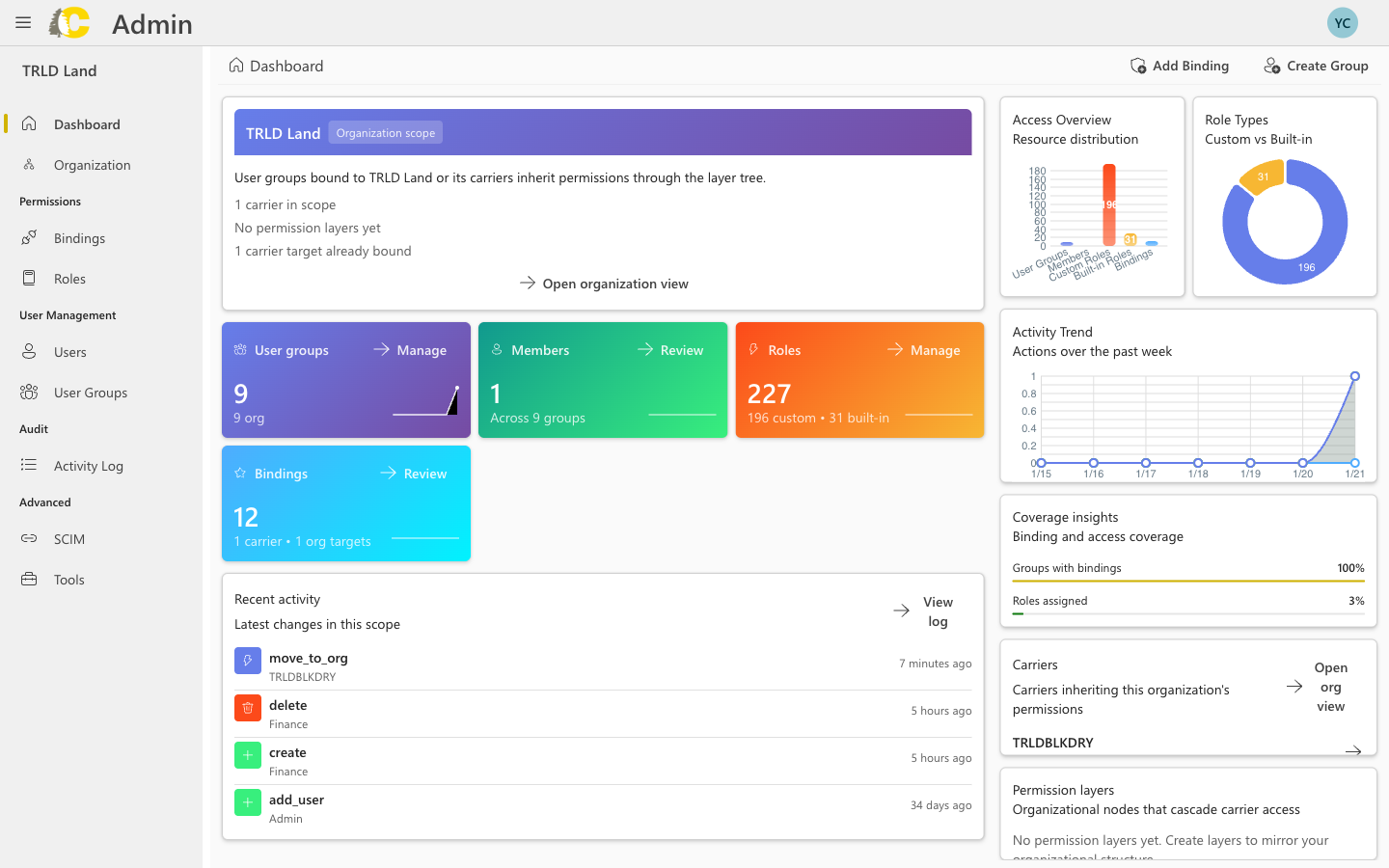
Quick overview of access coverage and recent activity
Dashboard preview
Get started
Getting Started
Sign in, pick your carrier, and learn basic navigation
Organization
Manage your organization hierarchy (optional)
Users
Find and manage the people who can sign in
User Groups
Organize people by team or responsibility
Roles & Bindings
Define what groups can do, and where
Bindings
Connect groups to roles and resources
How it all fits together
The diagram below shows how Admin Portal concepts connect to grant access:Learn the concepts
Want to understand why IAM works the way it does? These guides explain the conceptual foundation.
IAM Overview
How identity and access management works in Cedar
IAM Concepts
Deep dive into users, groups, roles, and permissions
Policies & Roles
How policies bind members to roles on resources
Glossary
Quick reference for all terms