

Overview
After registering your organization, all users will transition to the new login method. Notify users in advance to ensure a smooth changeover.1
Open ARMS and navigate to Settings
Sign in to ARMS, go to Settings, then select Sign-in options.
2
Enter tenant code (optional shortcut)
Enter your Cedar tenant code (e.g.,
https://accounts.cedarai.com/login?tenant=ABCD).3
Choose Microsoft and authenticate
Select Microsoft as the provider, click Log in with Microsoft, and authenticate with an org-linked user.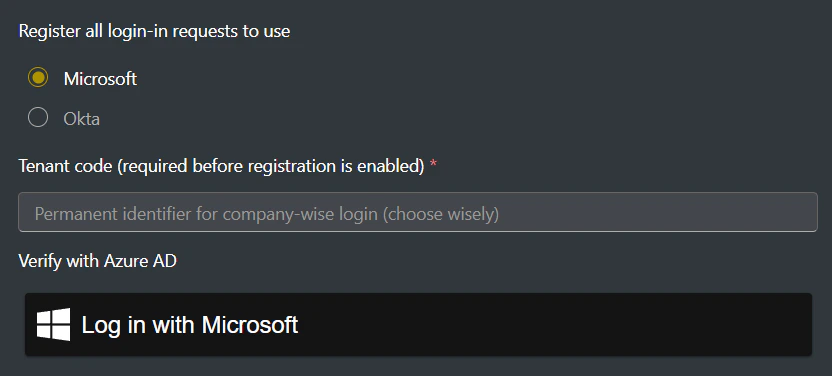
Gradual rollout
If you’d like to phase in SSO while keeping a fallback to Cedar identity for select users, enable gradual rollout. See Gradual rollout for details.Tips & potential issues
- Users who need access must belong to the same Azure AD tenant as the initial authenticating user.
- Users must still be assigned to a Cedar user group with sufficient permissions.
Need help? Email support@cedarai.com.